Mobile Bests
Issues with the Samsung Galaxy S25 and their solutions
While major updates are still on the horizon, a few notable concerns have already emerged.
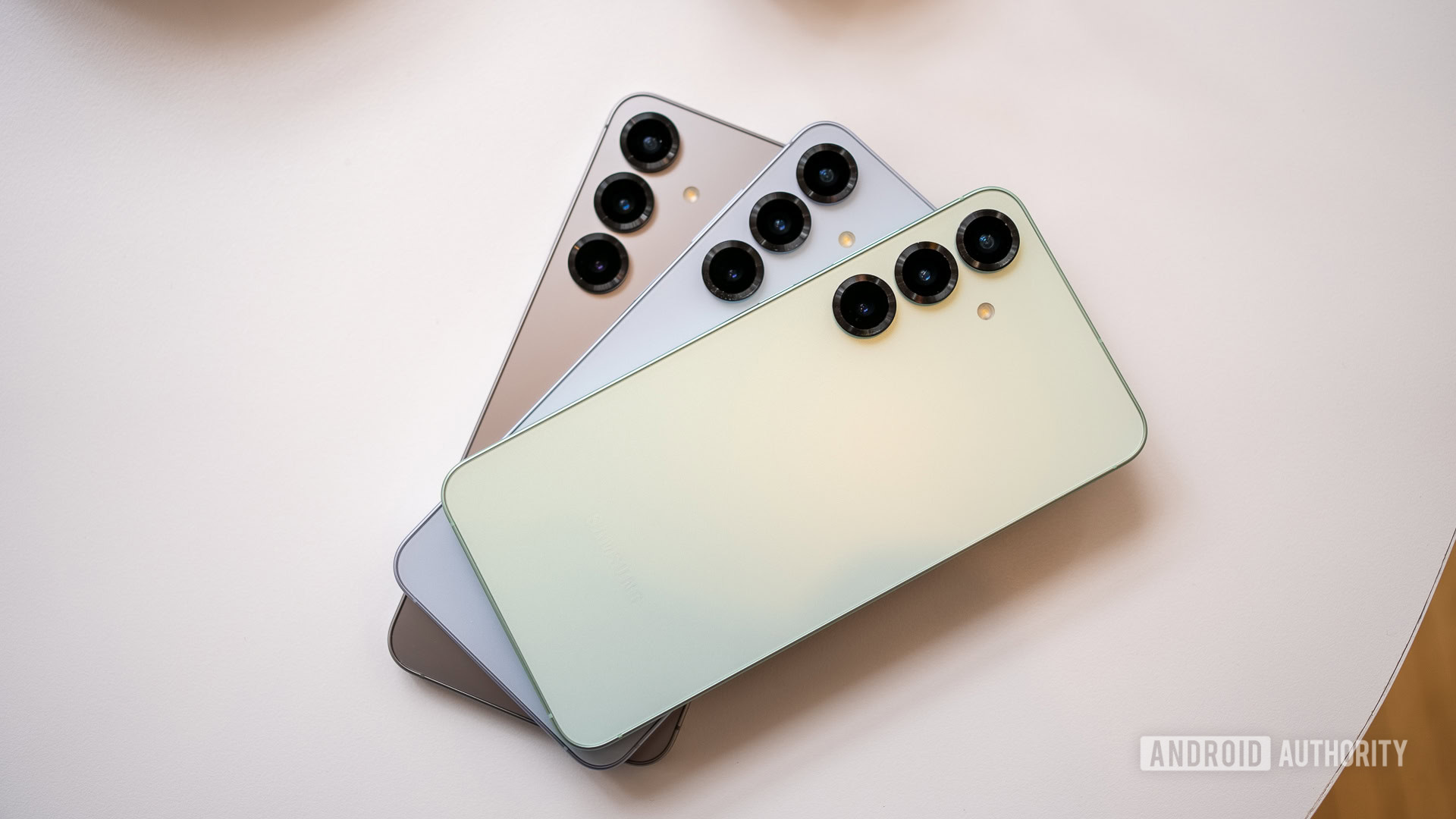
Troubleshooting the Samsung Galaxy S25 Series: Common Issues & Solutions
With the arrival of the Samsung Galaxy S25 series, excitement is in the air. However, as with any new tech release, a few kinks have surfaced among users, stirring discussions in forums like Reddit and Samsung's official platforms. It’s nothing out of the ordinary; most new devices tend to carry some early bugs, and the Galaxy S25 series is no exception. This article explores the most prevalent issues that users may encounter with the Galaxy S25, Galaxy S25 Plus, or Galaxy S25 Ultra, as well as practical solutions to enhance your experience.
Display Dilemmas: Lags and Flickers
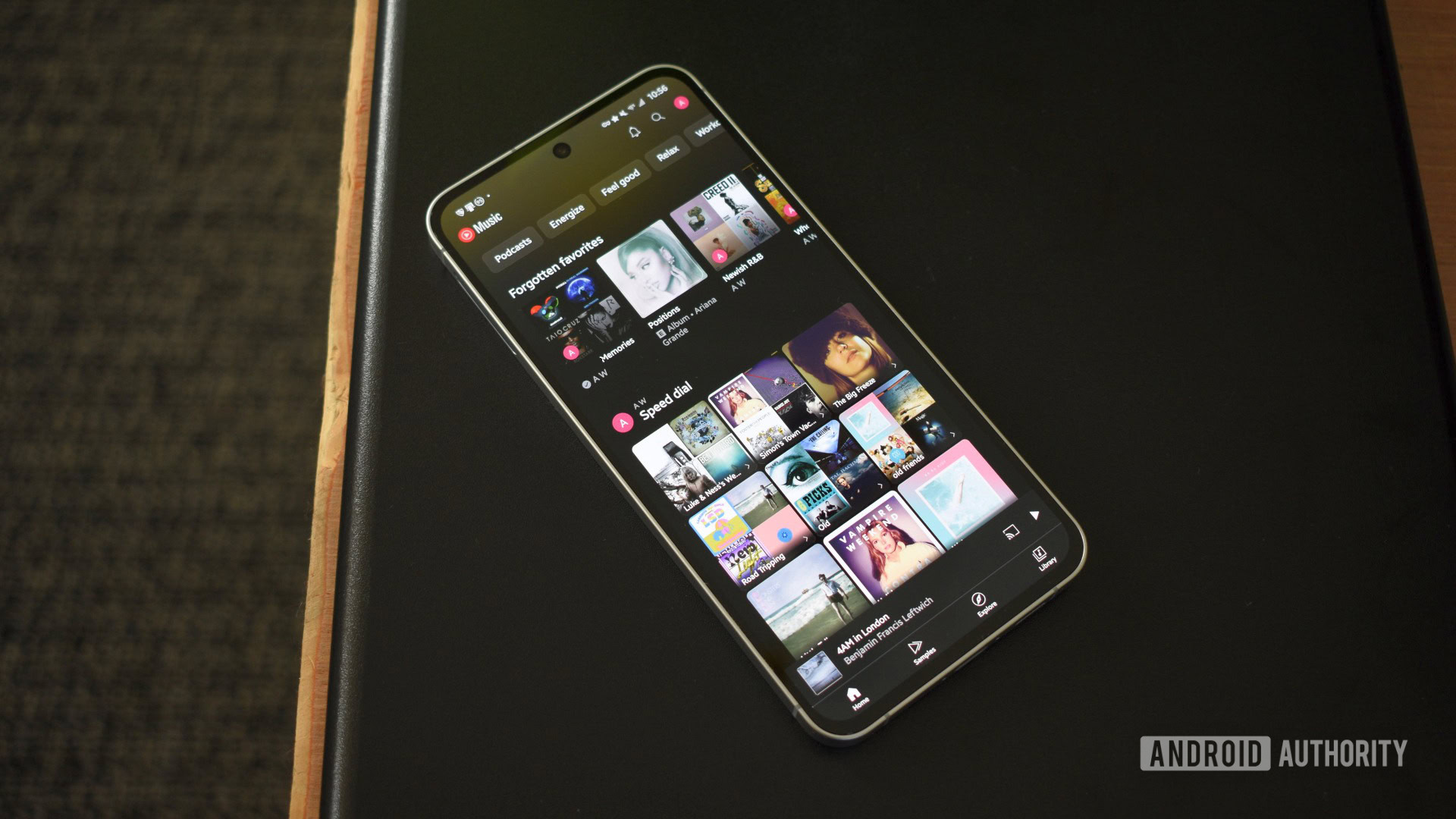
Despite its robust Snapdragon 8 Elite processor, some Galaxy S25 users have reported disturbances with the display, including lag during scrolling and unexpected flickering. While not widespread, these anomalies can be problematic.
Potential fixes include:
- Always-On Display (AOD) Concerns: If AOD is causing issues, you can boot into Safe Mode to uninstall the app, completely disabling the feature. However, a factory reset might be necessary if the problem persists.
- Brightness Adjustments: If the screen appears dimmer compared to previous devices, this is due to Samsung’s new color tuning. Users can adjust this through Settings > Display to restore vibrant colors.
- Touch Responsiveness: If you’re experiencing missed taps or scrolling challenges, increase touch sensitivity via Settings > Display.
Heat Management: Overheating Concerns
Some reports indicate that the Galaxy S25 series tends to generate excessive heat, mainly due to the Snapdragon 8 Elite processor. While many users find their devices warm yet manageable, others are concerned about overheating during intensive tasks.
Here are a few thoughtful suggestions:
- Await Software Updates: If overheating persists, Samsung will likely issue updates to optimize device performance.
- Factory Reset: Although rare, software glitches can cause overheating. A factory reset may help clarify any persistent issues.
- Warranty Replacement: If your phone seems excessively heated, reach out to Samsung as this may warrant a replacement device.
Camera Conundrums: Streaks and Lines
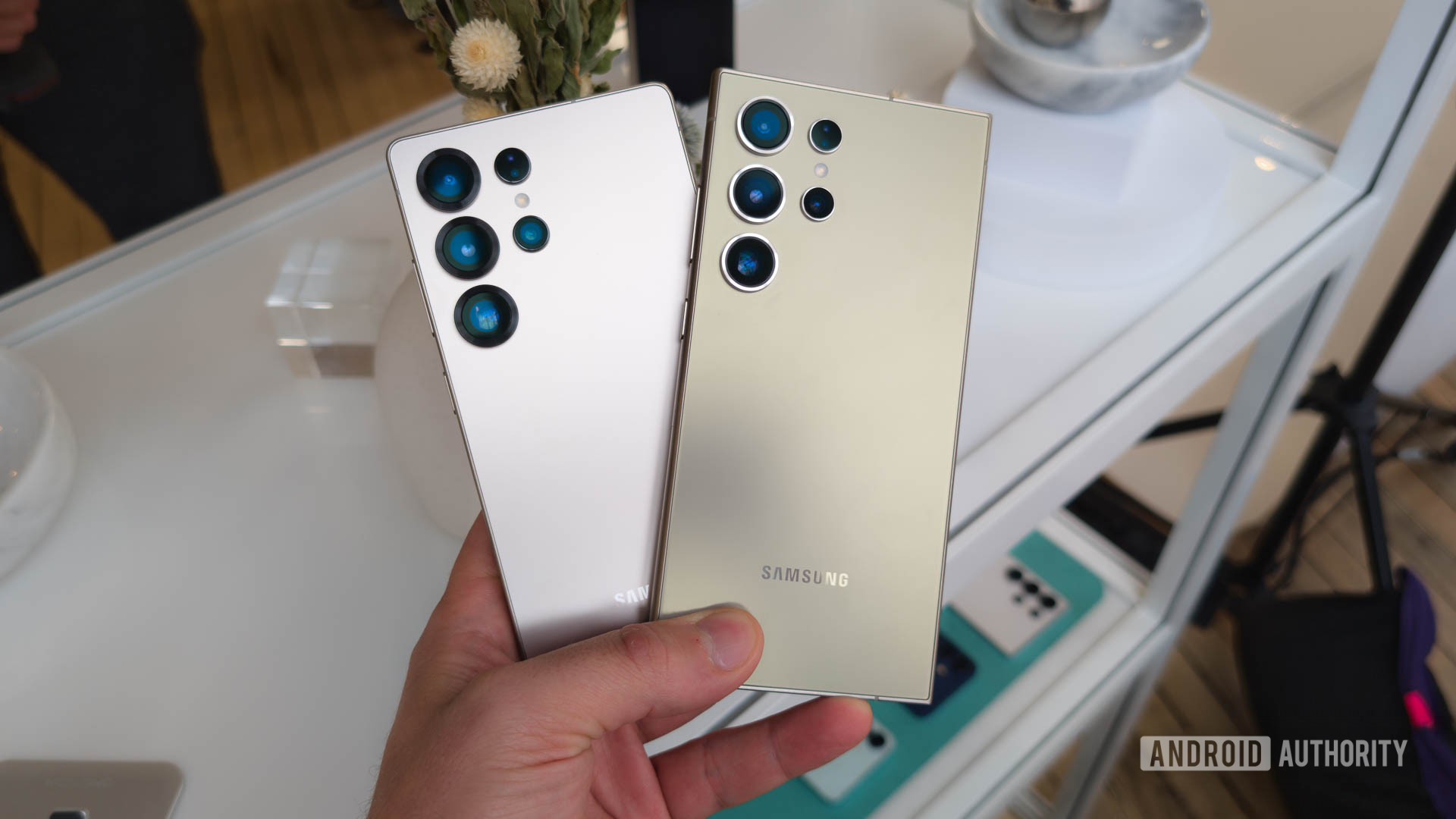
Users have noted the occasional appearance of streak lines or a thick line in images, especially in high contrast or poorly lit situations. This is thought to be related to an overly sensitive light sensor.
To mitigate camera-related issues:
- Software Updates: Make sure your device software is up to date, as Samsung has released patches addressing these concerns.
- Environmental Adjustments: When snapping pictures, try to avoid overly bright or dim conditions until further improvements are made.
Charging Chaos: Slow and Unreliable
Inconsistent charging has also been highlighted, a situation made more complex by manufacturers’ decisions to exclude chargers from the box. This can cause confusion regarding compatibility between chargers and devices.
For those facing charging delays:
- Use Compatible Chargers: If you're using an old charger, it likely doesn't support the fast charging capability of the Galaxy S25. Consider investing in a Samsung-approved charger.
- Enable Fast Charging: Check Settings > Battery > Battery Settings to ensure fast charging is activated.
- Battery Protection Features: If third-party chargers are malfunctioning, consider disabling the Battery Protection feature under Settings.
Android Auto Woes: Disconnects and Setups
Android Auto, especially in its wireless form, has been reported to cause connection troubles for many Galaxy S25 users. Thankfully, most of these issues can be resolved without much hassle.
To improve your Android Auto experience:
- Use Wired Connections First: Establish a wired connection initially, as this often resolves connectivity problems.
- App Cache Management: If you used Smart Switch, clear your Android Auto app's cache and storage via Settings.
- Check Your Cable: Ensure your USB cable is in good condition and is capable of data transfer.
Gesture Navigation: Adjusting to Changes
The transition to Google's swipe gestures can create frustration for users accustomed to Samsung's previous navigation system. If you're finding the new gestures bothersome, fear not!
Consider the following adjustments:
- Custom Gesture Settings: Download the Good Lock app to tweak swipe gestures according to your preference, enabling additional customization options.
- Alternative Navigation: If swipe gestures are resulting in issues, revert to Samsung’s classic navigation method.
Notification Gaps: App Delays
Notification delays have been another common grievance among Galaxy S25 users, particularly with messaging apps like WhatsApp and Facebook.
To troubleshoot notifications:
- App-Specific Settings: If delays are limited to a single app, adjust its battery settings to ‘Unrestricted’ under the app's settings.
- Battery Optimization: Ensure critical apps are not being restricted through device care settings.
- Clear App Caches: Go to the app storage settings to clear its cache for potential refresh.
Final Thoughts: Navigating the Glitches
These concerns, ranging from minor glitches to notable frustrations, are part and parcel of any new smartphone launch. The Galaxy S25 series has much to offer, and understanding these common issues can help you loophole through early difficulties effectively.
If you're experiencing issues not covered here, or if you have solutions of your own, please share your experiences in the comments! The tech community thrives on shared knowledge and mutual support.